Why You Should Never Charge Your iPhone to 100%
© Generated by Recraft
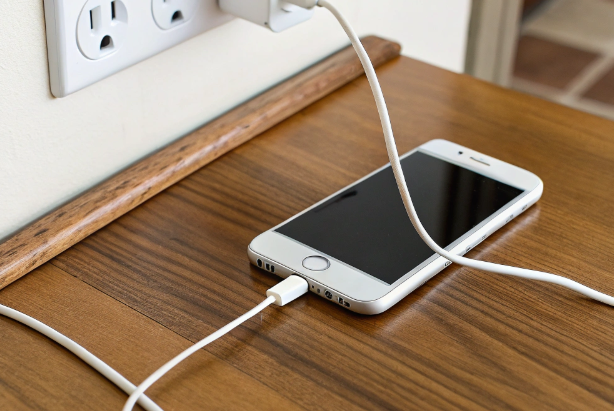
Many iPhone users believe that charging their device to 100% is essential for optimal performance. However, experts advise against this practice, as consistently charging to full capacity can accelerate battery degradation.
The 100% Charging Myth
Mark Patrick, Director of Technical Content at Mouser Electronics, explains that lithium-ion batteries, like those in iPhones, have a limited number of charge cycles—typically between 500 and 800 full cycles. A full cycle is counted when the battery discharges to 0% and then charges back to 100%. Charging to 100% daily can deplete these cycles faster, leading to a noticeable decline in battery health within a couple of years.
The Sweet Spot: 20% to 80% for an iPhone
To extend battery life, it’s recommended to keep your iPhone’s battery charge between 20% and 80%.
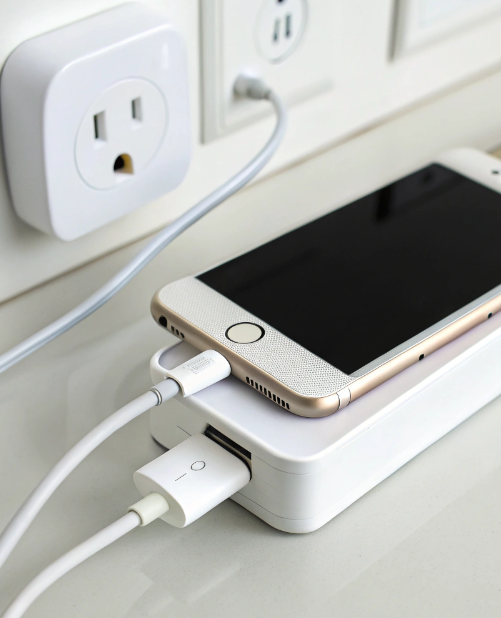
Charging to 100% and allowing the battery to drop to 0% places additional stress on the battery, accelerating its wear. By maintaining the charge within this optimal range, you can significantly prolong the battery’s lifespan.
Apple’s Optimized Battery Charging Feature for iPhones
Apple has introduced the “Optimized Battery Charging” feature to help manage battery health. When enabled, this feature learns your charging routine and delays charging past 80% until you need to use the device. This helps reduce the time the battery spends at full charge, thereby minimizing wear.
However, it’s important to note that even with this feature, your iPhone may occasionally charge to 100% to maintain accurate battery state-of-charge estimates. This is normal and part of the calibration process.
Additional Tips for Battery Longevity
- Avoid Overnight Charging: Charging your iPhone overnight can keep it at 100% for extended periods, which may degrade the battery over time. If you need to charge overnight, consider using a charger with a timer or a smart plug that can turn off after a certain period.
- Keep Your iPhone Cool: High temperatures can accelerate battery degradation. Avoid leaving your iPhone in hot environments, such as inside a car on a sunny day.
- Use Quality Chargers: Always use Apple-certified chargers and cables to ensure safe charging. Third-party accessories may not meet safety standards and could harm your battery.
- Update Your iPhone Regularly: Software updates often include improvements to battery management. Keeping your iPhone updated ensures you’re benefiting from the latest optimizations.
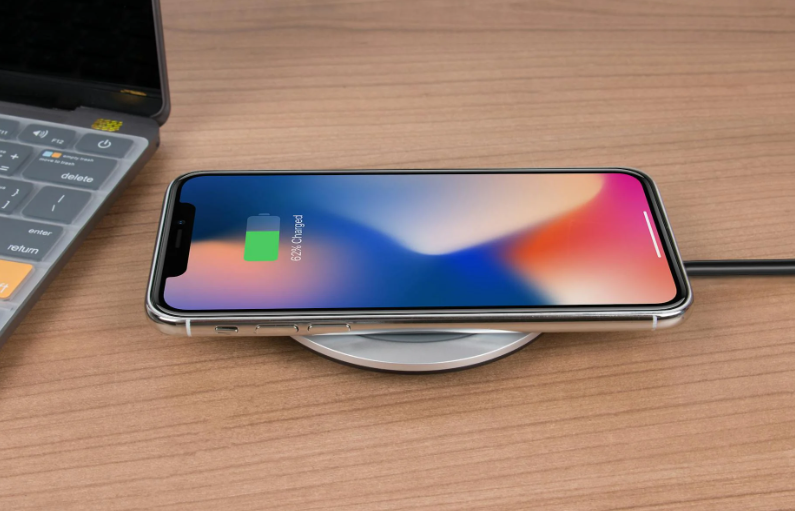
While it might seem intuitive to keep your iPhone charged to 100%, doing so regularly can shorten the battery’s lifespan.
By maintaining a charge between 20% and 80%, utilizing Apple’s Optimized Battery Charging feature, and following best charging practices, you can ensure your iPhone’s battery remains healthy for a longer period.
You might also want to read: France Issues Ban Due to iPhone 12 Radiation Exposure